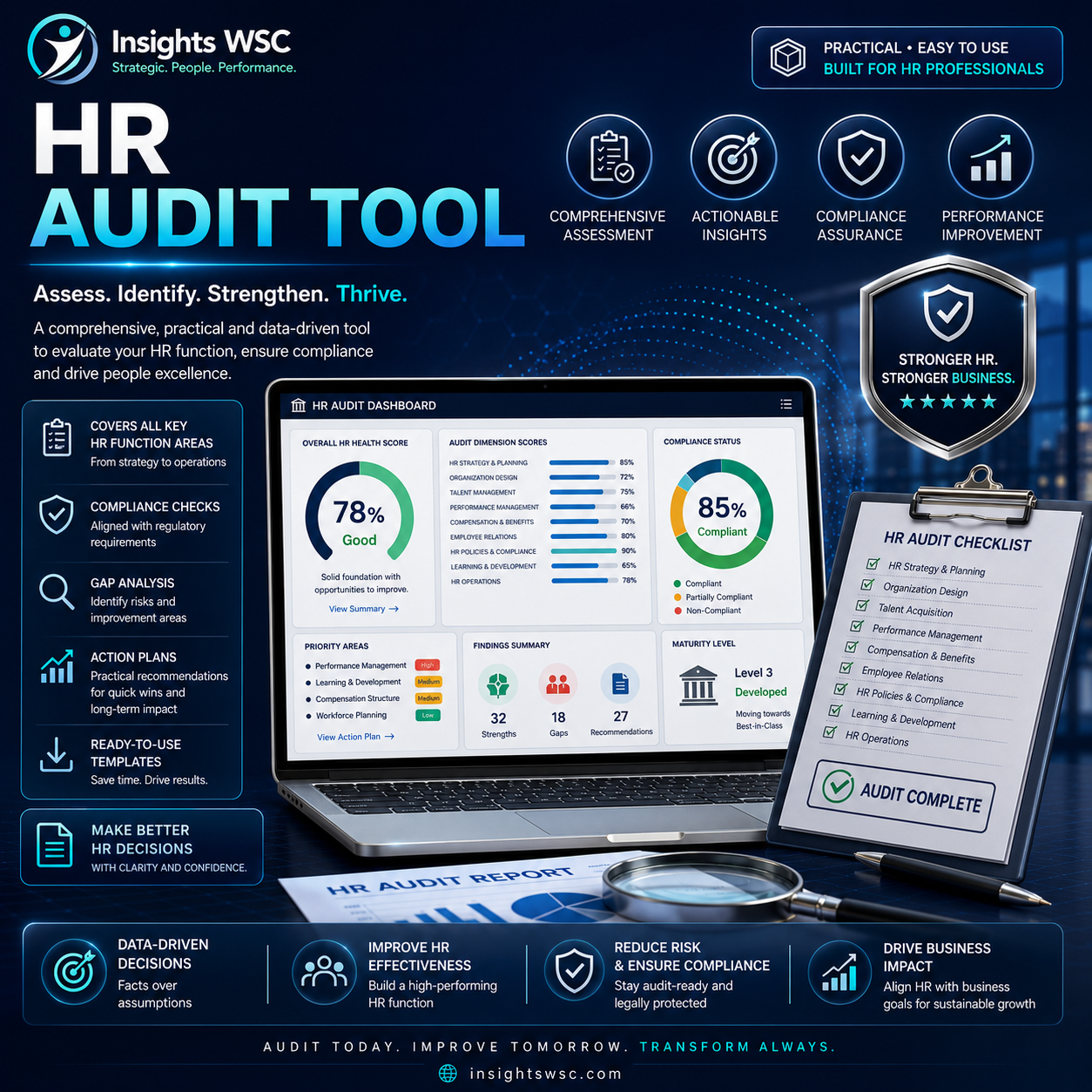
This is a self-serve HR audit tool for HR professionals. Identify HR process gaps, assess the current state and organise corrective actions using a practical audit workbook.
What this tool contains
- Instructions — this page.
- Dashboard — auto-calculated HR health score by category, with a chart. Nothing to fill in here.
- Audit Checklist — the core tool. 13 HR categories, ~88 audit items. This is where you do the work.
- Scoring Key — reference table explaining how Risk Level + Status combine into a Priority rating.
- Action Plan — template to log corrective actions for items you flag as Partial or Non-Compliant.
- Document Request List — checklist of records/documents to gather before you start.
- Interview Question Bank — sample questions for interviewing managers and employees during the audit.

Reviews
There are no reviews yet.